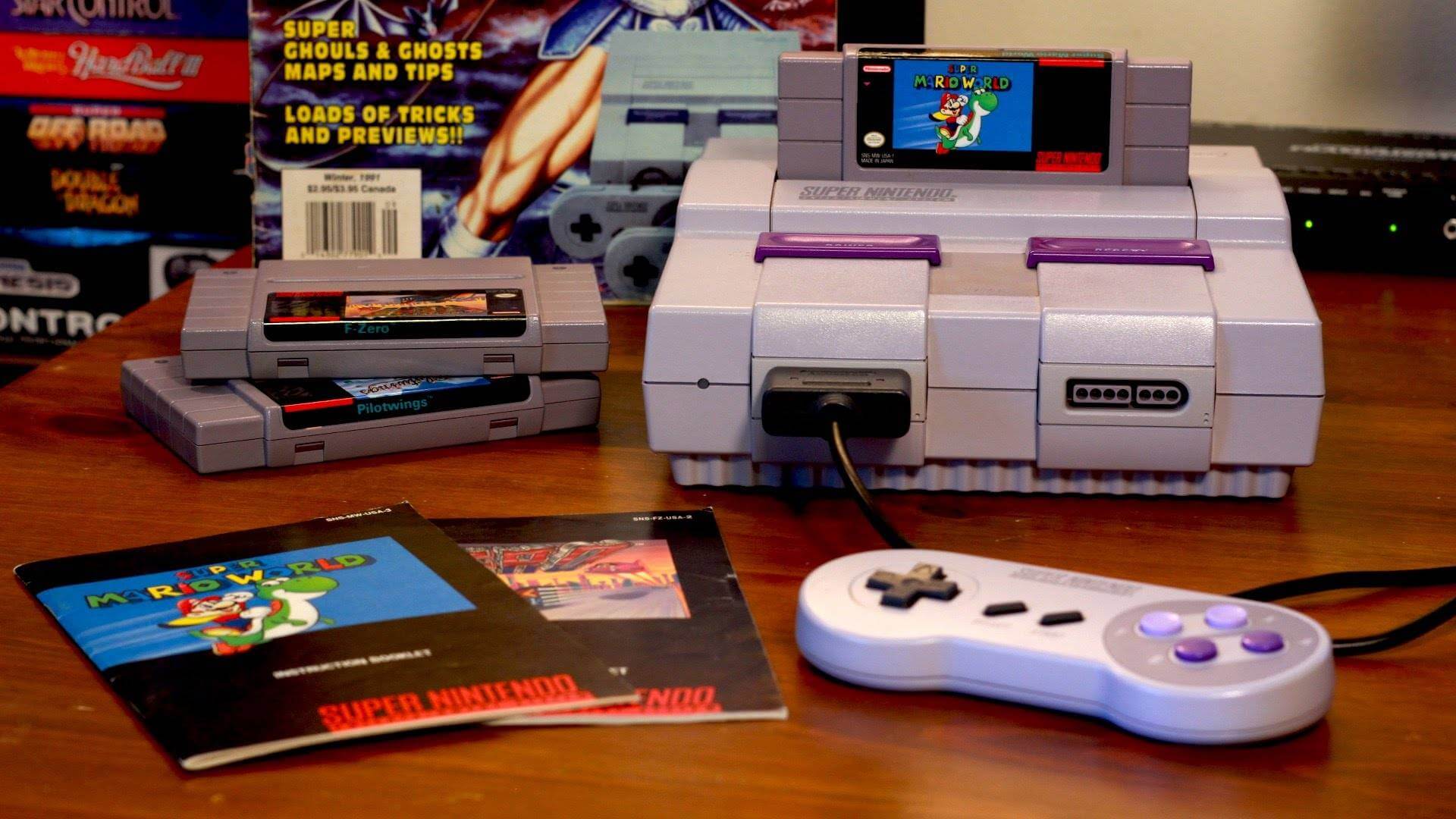
Today I’m going to talk about emulation. I’ve been using it forever for practicality and even for study. It’s important to say this is not a tutorial or anything like that.
“Oh, but emulation isn’t perfect, I prefer playing on the console, blah blah blah” — Then go play on your console with your original game. The idea here is to show some of the emulators I’ve used and recommend.
You should know that emulation itself is not illegal as long as the software is developed independently without using third-party copyrighted code. A nice example is the mini PlayStation that Sony released—it uses an open-source version of the PCSX ReARMed emulator and that wasn’t a problem (only the choice of games, right Sony?). What is illegal is downloading ROMs from the internet. The correct approach is to own the original game and make a backup for your PC. Some emulators even teach you how to do this—it’s worth checking their documentation if available.
There are emulators that support multiple platforms. I personally tested only a few—one that comes to mind is Ares. It’s practical, but it doesn’t offer many configuration options, and the ones it does have don’t really appeal to me. Some settings from one platform override others, so I prefer dedicated emulators per platform. But—there are exceptions, and I’ll mention them throughout the post.
Oh, and I’ll only talk about emulators I’ve used without a frontend like Pegasus or RetroArch, because I personally prefer using emulators individually. After all, I’ve been doing this since 2003/2004 on Windows ME and Windows XP.
Some things in this post may become outdated. I recommend bookmarking the Emulation General Wiki. It’s excellent for this kind of information and has helped me a lot!
With that said, let’s begin!
Nintendo 8-bit (NES)
It may seem easy, but it’s not. That’s because Nintendo released the Disk System, and some emulators don’t support it, or struggle with specific games like Saint Seiya Ougon Densetsu.
The best one is Mesen. Even though it supports multiple platforms, it’s definitely the best for NES. It supports everything from the console. I even tested it with other platforms like the Super Nintendo, but I didn’t like it. I recommend using it only for NES!
Super Nintendo
I tested a few emulators for the Super Nintendo: ZSNES, Bsnes, Snes9X, and Ares. Even though ZSNES is a “fan favorite” and you can play Super Mario World in widescreen on Bsnes, I prefer Snes9X. I find it more practical and with more adjustment options. Both are excellent—try them and stick with the one you like most.
Master System & Mega Drive (Genesis)
Here’s an exception. I’ve always used Kega Fusion for both platforms, even though it’s been discontinued. I can enjoy both libraries without any issues using this emulator. It just doesn’t support the 32X!
A quick disclaimer
Now things start getting serious. Fifth-generation consoles and beyond can be tricky—some games have issues, which is normal since these systems are harder to emulate. Many of these emulators don’t even reach 70% compatibility with their library. From here on, you’ll need to do some research to find solutions—and honestly, figuring things out is part of the fun, right?
Let’s keep going!
Nintendo 64
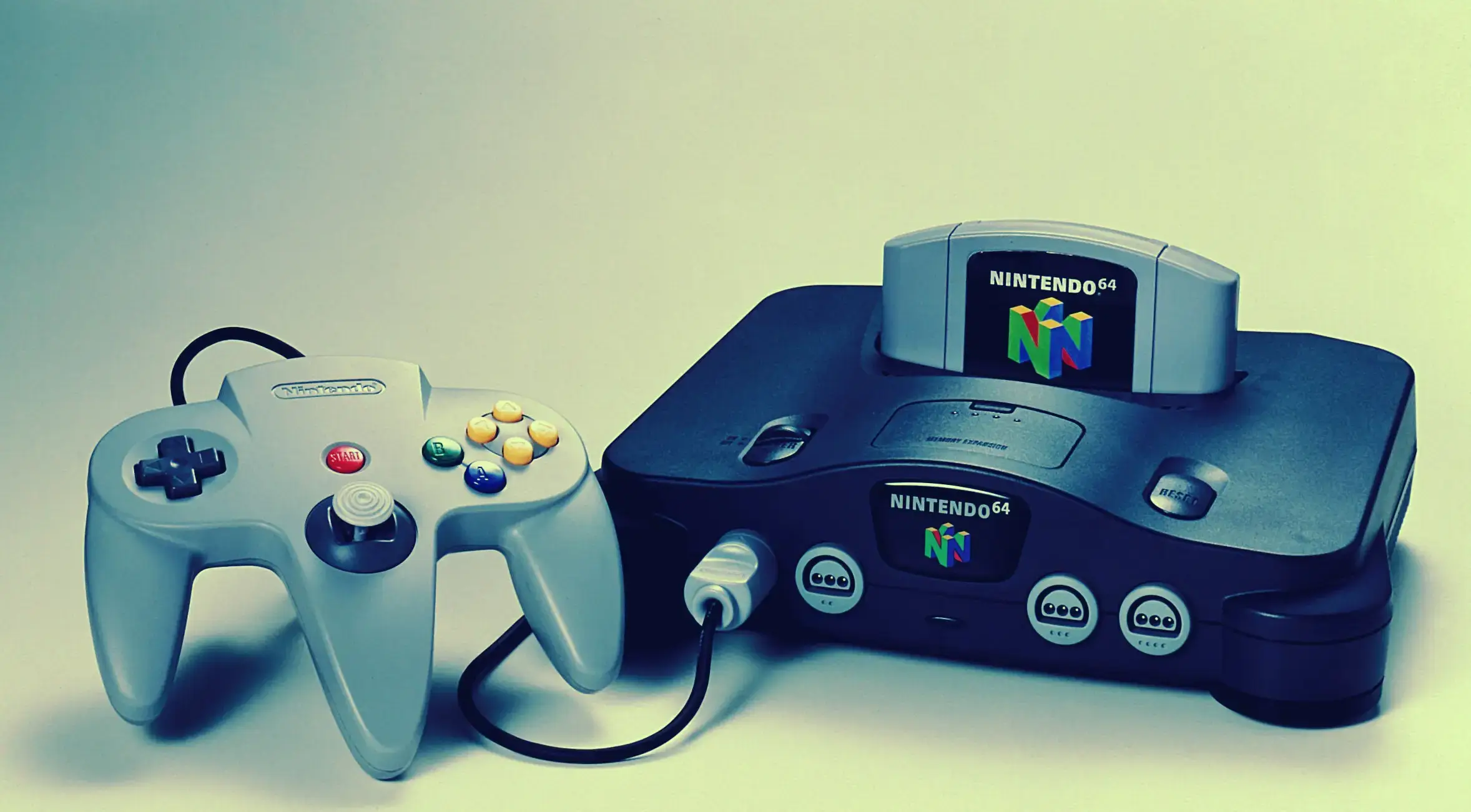
I used Project 64 for a long time, but then I found RMG, and it was fantastic. It emulates closer to the original hardware and allows better upscaling than Project64. It also has built-in netplay (no need for outdated or modified versions). The game Mario Tennis, which many emulators struggle to emulate perfectly, runs great here. Highly recommended!
PlayStation One
For a long time I used ePSXe, but it was discontinued. Then came a much more practical option: DuckStation. It works perfectly for me and hasn’t caused the headaches ePSXe did back in the day.
PlayStation 2
I used to be skeptical about PS2 emulators, but I gave PCSX2 a shot—and wow, it has improved a lot over the years! It’s definitely the best, running over 90% of the console’s massive library perfectly. It has several settings to enhance the experience and even improve graphics. A quick Google search can help you get the most out of it.
Nintendo GameCube and Nintendo Wii
Another exception. Dolphin is an emulator that has evolved massively over the years—it’s almost crazy how much it improved. Today it’s at a very solid level for both GameCube and Wii, even allowing online play (simulating local multiplayer instead of server-based). I even completed New Super Mario Bros. Wii on it with upscaling—it looks amazing.
Xbox 360
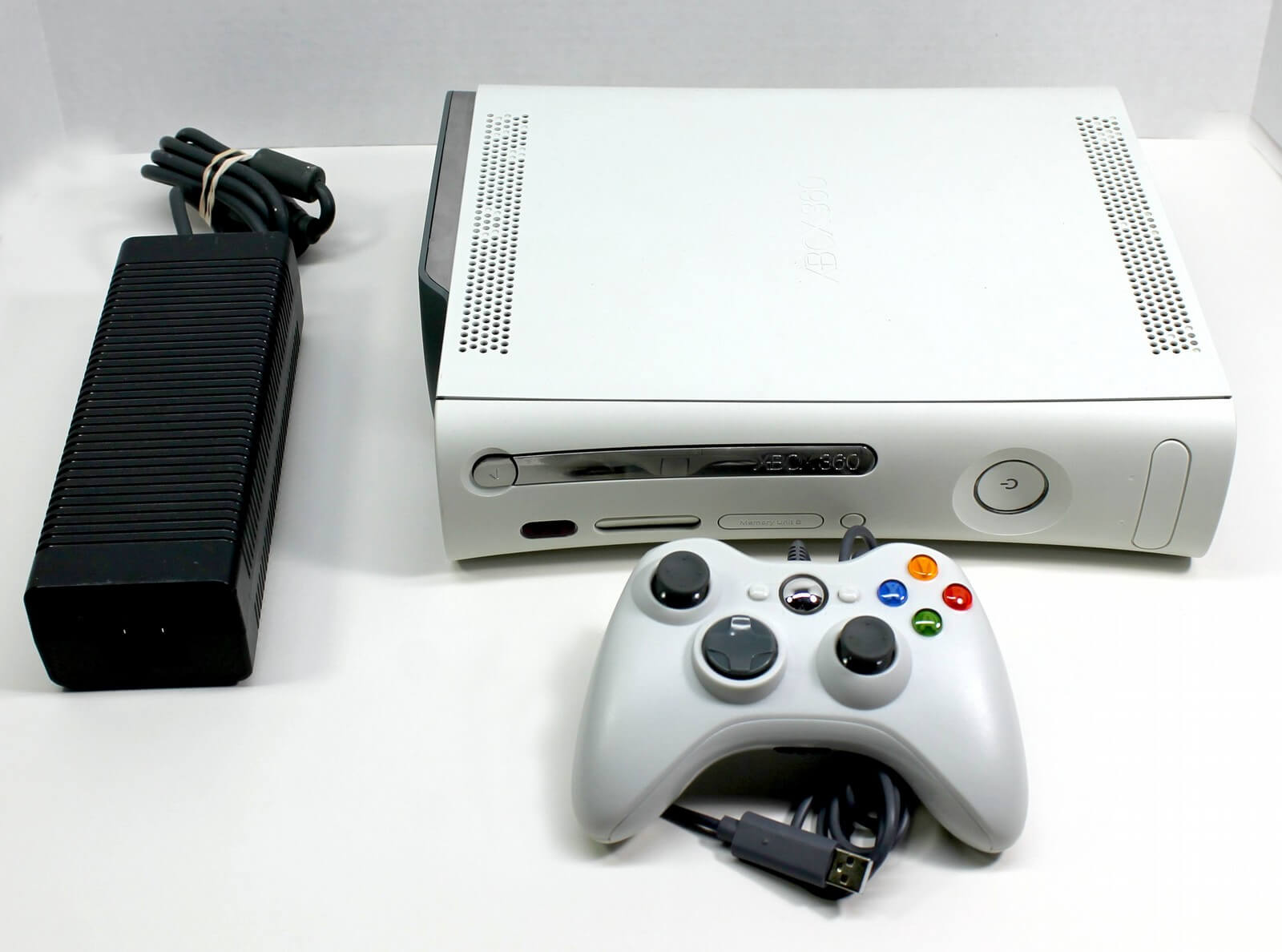
Now things get complicated. I use Xenia Manager, which gives you almost full support for Xenia emulator versions. It’s not too hard to configure—you can fix glitches and set up online play (with some limitations) using the Canary Netplay version in just a few clicks. You can also play with mouse and keyboard using the Mousehook version. It seems possible to combine configurations, but I haven’t felt the need. Like the PS2 emulator, it also allows graphical enhancements and patches created by the community to fix issues.
PlayStation 3
I have to say this console was a mess (in several ways) from Sony. First, they chose a CPU that wasn’t ideal for gaming, and on top of that, it’s very hard to emulate. Because of that, even though it’s the best emulator available, it’s still far behind the others I mentioned. Still, developers are doing a great job, and the number of “Playable” games keeps growing. One day they might reach 90% (or more) running perfectly!
Many games do run, but glitches can happen during gameplay. These can sometimes be fixed with configuration tweaks and patches, but it may be frustrating for some users—keep that in mind before using it.
Nintendo Wii U
Here I had my best experience with Zelda Breath of the Wild. Playing it translated, in 4K, above 60 FPS is simply incredible. No wonder some streamers used it to record/stream gameplay. The emulator is Cemu. It may seem complicated, but if you’ve used the others, it’s easier than it looks—and there are plenty of tutorials on YouTube.
Nintendo Switch
Most people reading this will probably jump straight here. It’s a favorite (or not) in the emulation scene, but also quite complicated since Nintendo doesn’t help. Currently, there isn’t a single definitive Switch emulator. I use and recommend two: Ryubing and Citron. Both are forks—Ryubing from Ryujinx and Citron from Yuzu. If a game runs poorly on one, try the other. Simple, right?
Wait, no MAME?
So, I used MAME for a long time, but then I discovered FightCade. It’s much better and allows online play. Fighting games use GGPO (rollback netcode), which is excellent—I even finished Metal Slug in online co-op using it! I recommend checking YouTube tutorials—it’s not hard to set up and much more practical than MAME.
What’s coming next?
Emulators will never stop being developed. There’s even a PS4 emulator called ShadPS4 that can run Bloodborne at 60 FPS in 4K—better than the console—and it’s improving rapidly with optimizations. It’s worth noting that Bloodborne is practically abandoned by From Software and stays alive thanks to fans and emulation.
Thanks for your attention!